
The Battle of Creator Paradigms in Late 2026
Content creators today are overwhelmed by options. When you search for "AI video tools," you will find CapCut, Descript, InVideo AI, and AUTORA.LIVE lumped together in the same listicles.
Yet each represents a fundamentally different philosophy of video creation:
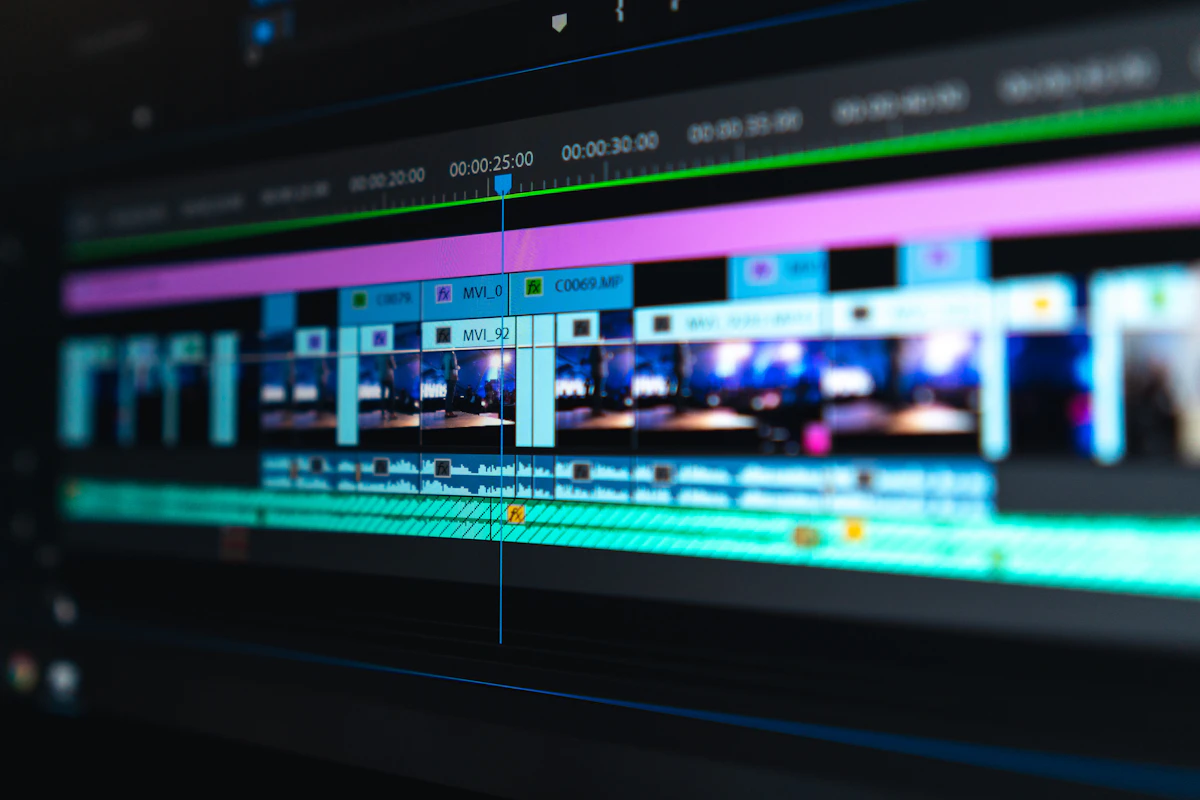
1. CapCut is a Visual Timeline Editor designed for mobile social execution, trendy transitions, and quick vertical assembly.
2. Descript is a Transcript-Based Audio/Video Word Processor optimized for interviews, podcasts, and talking-head cleanups.
3. InVideo AI is a Stock Footage Aggregator that converts text prompts into slideshows using licensed B-roll libraries.
4. AUTORA.LIVE is an Autonomous Generative Studio designed from scratch for hands-off faceless YouTube channel automation using bespoke AI diffusion models and automated 30-day calendar publishing.
If your goal is to build a high-margin, monetizable media business in late 2026 without spending 20 hours a week trapped in editing timelines, which tool actually delivers?
Let's break down the mechanics, licensing rules, and real workflow bottlenecks of each platform.
---
1. Feature & Workflow Comparison Matrix
| Feature / Capability | CapCut Pro | Descript | InVideo AI | AUTORA.LIVE |
| :--- | :--- | :--- | :--- | :--- |
| Workflow Style | Traditional multi-track timeline | Document text editing | Chat prompt to video | Autonomous 30-Day Pipeline |
| Do You Need Raw Footage? | Yes (You record/import everything) | Yes (You record talking heads) | No (Pulls stock clips) | No (Generates original diffusion scenes) |
| Scriptwriting Engine | Basic AI script assistant | AI summary / Show notes | GPT-based prompt wrapper | Gemini 3.8 Flash Engine |
| Visual Creation | None (User footage + stickers) | None (Screen/webcam footage) | Reused Stock Footage (iStock) | Bespoke 1080p Diffusion (Flux/Leonardo) |
| Voice Narration | Basic robotic TTS | Voice cloning (speech focus) | ElevenLabs integration | Neural EdgeTTS & ElevenLabs Studio |
| Commercial Licensing Risk | ⚠️ High (Music/Fonts licensing traps) | ✅ Safe (Own recordings) | ⚠️ Moderate (Reused content flags) | ✅ 100% Commercial AdSense Compliant |
| Direct YouTube Daemon | ❌ Manual Export | ❌ Manual Export | ❌ Manual Export | ✅ Native YouTube Data API v3 Daemon |
| Time Spent Per 30 Videos | ~35 to 50 hours | ~20 to 30 hours | ~8 to 12 hours | < 15 minutes total |
---
2. CapCut: The Social Timeline Powerhouse
Best For:
Creators who record themselves on their phones and want flashy TikTok transitions, popular sound effects, and animated auto-captions.
Where CapCut Wins:
- Trend Velocity: Instant access to viral TikTok and Shorts audio cuts, speed ramps, and stylized dynamic zoom templates.
- Auto-Captions: Very accurate caption generation with popular social media fonts and glowing word highlights.
- Desktop & Mobile Sync: Polish your drafts on mobile, then fine-tune them on your desktop workstation.
The Problem in Late 2026:
- The Commercial Licensing Trap: CapCut includes thousands of songs, sound effects, and fonts that are licensed strictly for *personal non-commercial TikTok use*. If you use trending CapCut audio on a monetized YouTube channel or Facebook Ad, you risk instant copyright claims and revenue hijacking.
- The Manual Labor Bottleneck: CapCut is an editor, not an engine. You must still research topics, write scripts, record voiceovers, manually position B-roll on timelines, and export individual files. Creating 30 daily Shorts per month in CapCut takes at least 30 to 45 hours of tedious manual clicking.
---
3. Descript: The Word Processor for Podcasts & Interviews
Best For:
Podcasters, business executives, and educators who record 60-minute conversations and want to edit them by deleting text from a transcript.
Where Descript Wins:
- Text-Based Video Editing: Cut awkward rambling or repetitive sentences by highlighting text and pressing backspace.
- Studio Sound: Industry-leading AI noise removal that makes cheap laptop microphones sound like $400 Shure SM7B studio microphones.
- Filler Word Removal: One-click automated removal of *"um"*, *"uh"*, and awkward pauses across hours of footage.
The Problem in Late 2026:
- Completely Useless for Faceless Channels: If you do not have human talking-head footage or recorded interview audio, Descript cannot create videos for you. It does not generate visual imagery, narrative B-roll, or autonomous scripts.
- Clunky for Short-Form Visual Pacing: Descript struggles with rapid multi-scene cuts every 2.5 seconds, which is mandatory for stopping the swipe on YouTube Shorts in 2026.
---
4. InVideo AI: The Stock Footage Prompter
Best For:
Beginners who want to type a prompt and receive a slideshow video using stock clips from Storyblocks or iStock.
Where InVideo AI Wins:
- Zero Recording Required: Does not require cameras or microphones.
- Simple Chat Iteration: You can instruct the AI to swap out a specific clip or adjust the voiceover accent through a chat prompt.
The Problem in Late 2026:
- The Stock Fatigue Penalty: In late 2026, YouTube's recommendation engine aggressively demotes mass-produced stock videos under the Inauthentic & Low-Effort Content Policy. Viewers recognize the same generic corporate stock clips within 500 milliseconds and swipe away, destroying retention.
- Inconsistent Visual Styles: Scene 1 is a cinematic drone shot, Scene 2 is a cartoon 3D illustration, and Scene 3 is an awkward corporate office interview. The total lack of visual continuity kills channel authority.
---
5. AUTORA.LIVE: The True Autonomous Generative Studio
AUTORA was architected to replace the fragmented creator stack completely. Instead of juggling 3 different subscriptions and spending 4 hours per video, AUTORA delivers a unified, autonomous pipeline:
1. 100% Original Diffusion Imagery (Zero Stock Footage)
Instead of searching a shared stock catalog, AUTORA synthesizes bespoke 1080p generative diffusion visuals (Flux 1 Schnell & Leonardo Phoenix) tailored specifically to each scene. Every visual is unique, high-contrast, and 100% compliant with YouTube monetization rules.
2. High-Retention Gemini 3.8 Flash Scripting
Our script engine doesn't produce generic motivational fluff. It writes research-backed, 4-act narrative scripts (Pattern Interrupt Hook $\rightarrow$ Problem Escalation $\rightarrow$ Climax Payoff $\rightarrow$ Infinite Loop) optimized for sub-25% Swipe-Away Rates.
3. Integrated YouTube Data API v3 Daemon
Say goodbye to rendering MP4s to your desktop, renaming files, and uploading them manually to YouTube Studio. With AUTORA's 30-Day Content Planner Wizard, you connect your channel once via Google OAuth and schedule an entire month of daily uploads in under 3 minutes.
4. Commercial Peace of Mind
All diffusion visuals, neural EdgeTTS audio, and ElevenLabs voices are backed by full commercial licensing rights, ensuring your channel passes YouTube Partner Program reviews with flying colors.
---
6. The Verdict: Which Stack Should You Choose?
- If you already record vlogs or podcasts and want to edit spoken words fast: Use Descript.
- If you shoot lifestyle videos on your phone and want quick viral transitions: Use CapCut Pro.
- If you want a quick marketing slideshow with stock footage: Try InVideo AI.
- If you want to build a serious, scalable, automated faceless YouTube media asset that publishes daily without manual intervention: [AUTORA.LIVE](/signup) is the premier autonomous platform in late 2026.